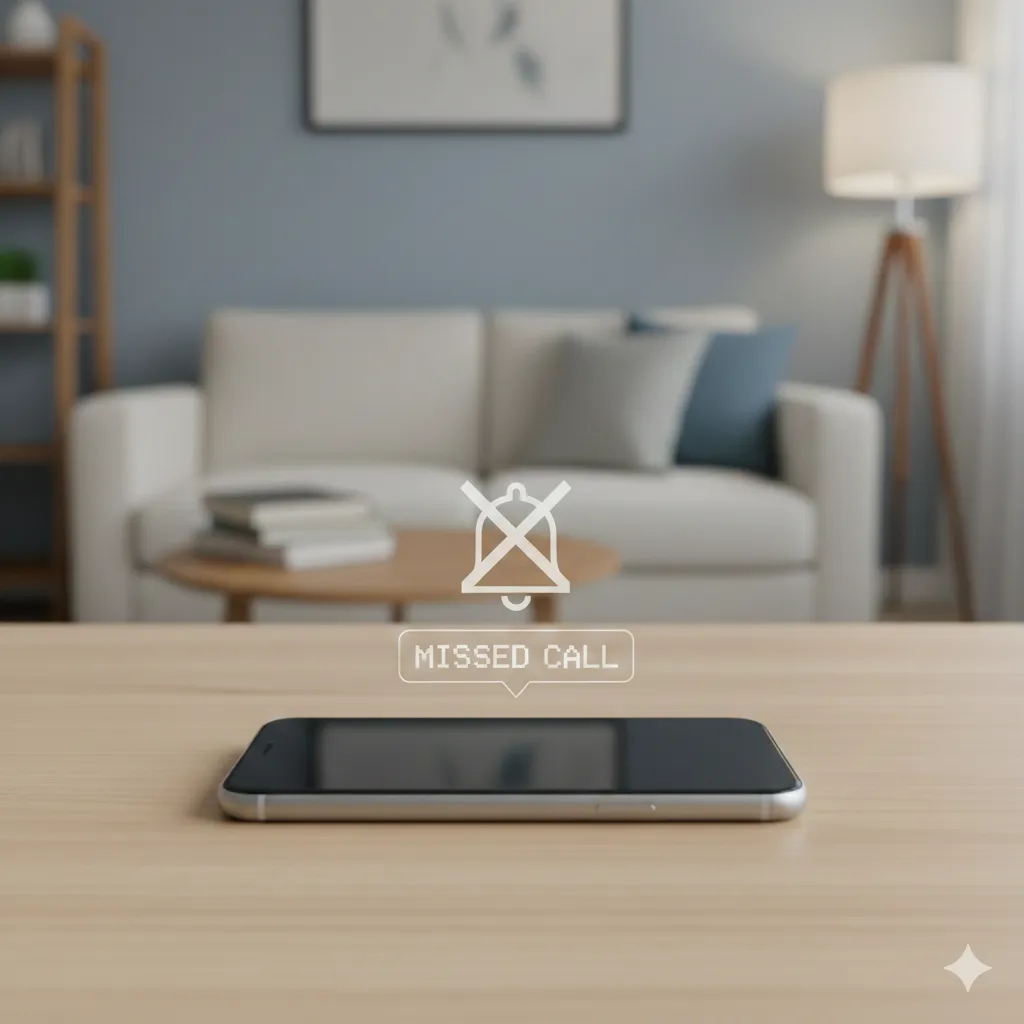
Phone Not Ringing? Here’s Why It Happens and How to Fix It
-

- by accounting.byte,
- March 06, 2026
- in technology,
Missing important calls because your phone is not ringing can be frustrating. Many users face this issue even when their phone shows incoming calls but there is no ringtone. The good news is that in most cases, it is caused by simple settings or minor glitches that can be fixed quickly.
Below are the common reasons why your phone may not ring and the steps you can take to resolve the issue.
1. Silent Mode Is Enabled
One of the most common reasons a phone is not ringing is that silent mode is turned on. When silent mode is active, your phone will receive calls but will not play any ringtone.
How to fix it:
-
Check the side switch or notification panel.
-
Turn off Silent or Mute mode.
-
Increase the ringtone volume.
Once silent mode is disabled, your phone should start ringing normally again.
2. Do Not Disturb Mode Is Turned On
Do Not Disturb (DND) mode blocks calls, notifications, and alerts depending on the settings. If DND is enabled, your phone may not ring for incoming calls.
How to fix it:
-
Open Settings.
-
Go to Sound or Notifications.
-
Tap Do Not Disturb and turn it off.
You can also allow calls from specific contacts while keeping DND active.
3. Ringtone Volume Is Too Low
Sometimes the phone appears to have a ringtone set, but the ring volume is extremely low or muted.
How to fix it:
-
Go to Settings > Sound & Vibration.
-
Increase the Ring Volume.
-
Test the ringtone to confirm it works.
Make sure media and alarm volumes are not confused with ringtone volume.
4. Bluetooth Is Connected
If your phone is connected to Bluetooth headphones, earbuds, or speakers, the ringtone may play through that device instead of the phone.
How to fix it:
-
Turn off Bluetooth temporarily.
-
Disconnect unused devices.
-
Check if your phone rings normally afterward.
This often happens when wireless earbuds remain connected in the background.
5. Call Forwarding or Blocking Settings
Certain call settings may prevent your phone from ringing.
Examples include:
-
Call forwarding
-
Call blocking
-
Spam filters
How to fix it:
-
Open Phone settings.
-
Check Call Forwarding and disable it if necessary.
-
Review blocked numbers.
6. Software Glitch
Sometimes the issue occurs because of a temporary software glitch.
How to fix it:
-
Restart your phone.
-
Update your phone’s operating system.
-
Reset sound settings if needed.
A simple restart often resolves minor bugs that cause the phone not ringing issue.
7. App Interference
Some apps such as third-party call blockers or battery optimization tools can interfere with call notifications.
How to fix it:
-
Check recently installed apps.
-
Disable or uninstall suspicious apps.
-
Restart your phone.
Final Thoughts
If your phone is not ringing, the issue is usually related to settings like silent mode, Do Not Disturb, low volume, or Bluetooth connections. By checking these common causes, you can quickly restore your phone’s ringtone and avoid missing important calls.
0 Comments:
Leave a Reply